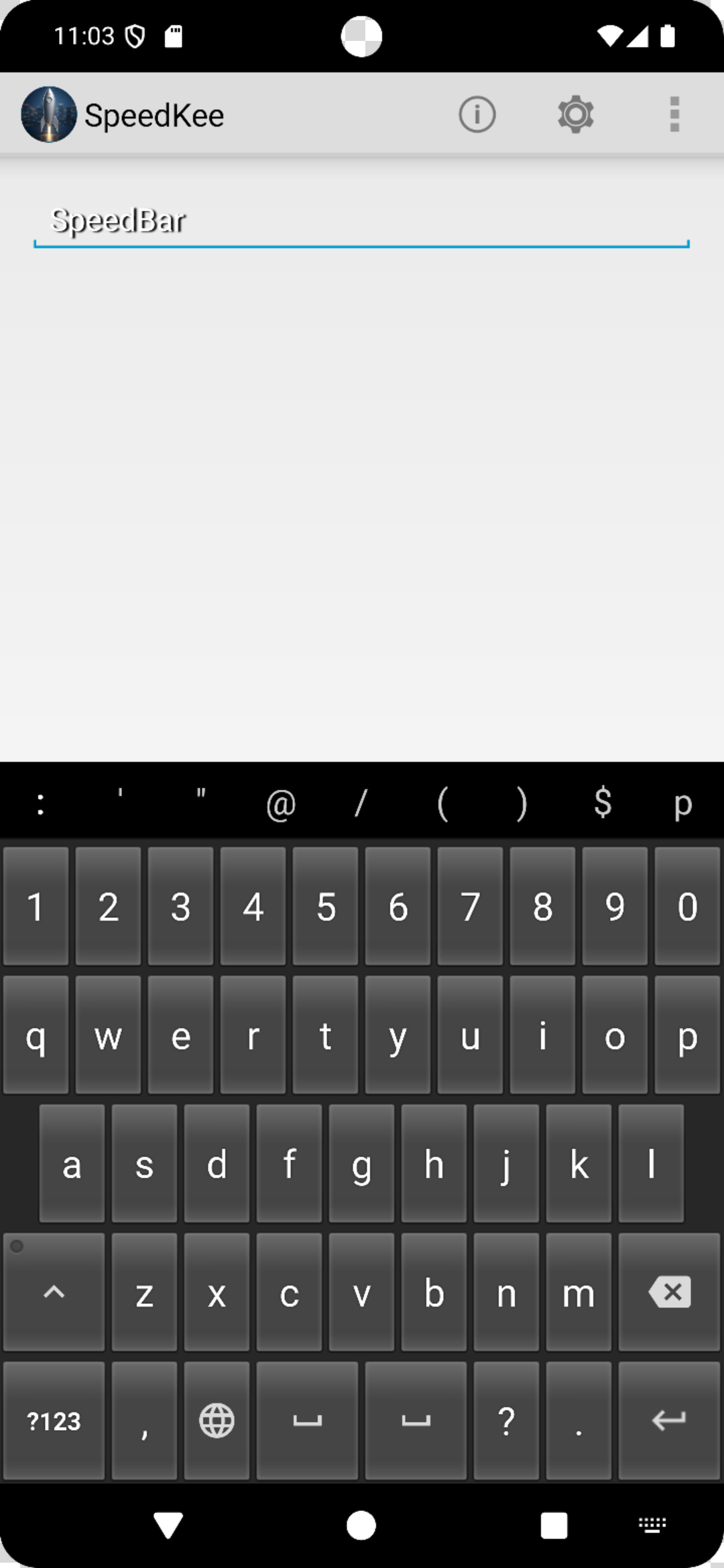
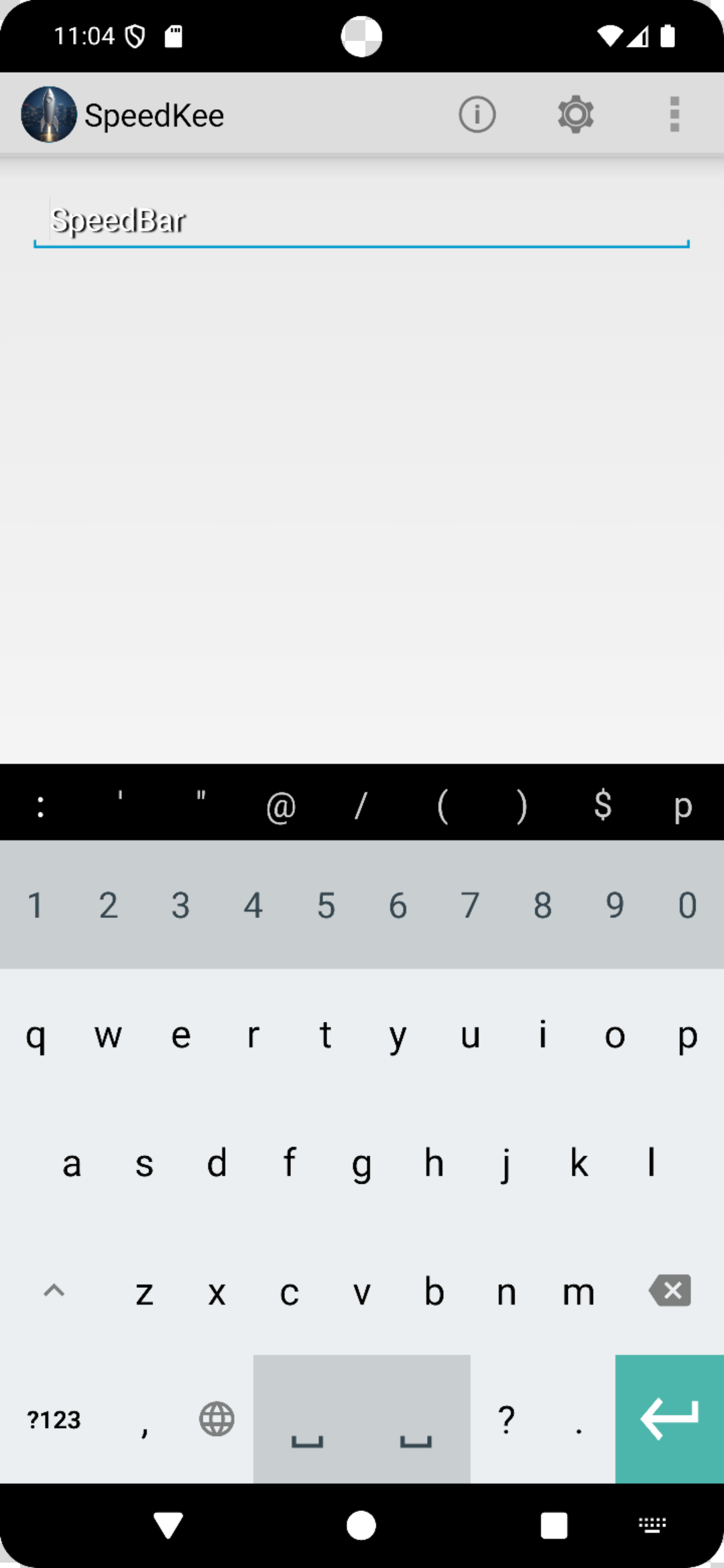
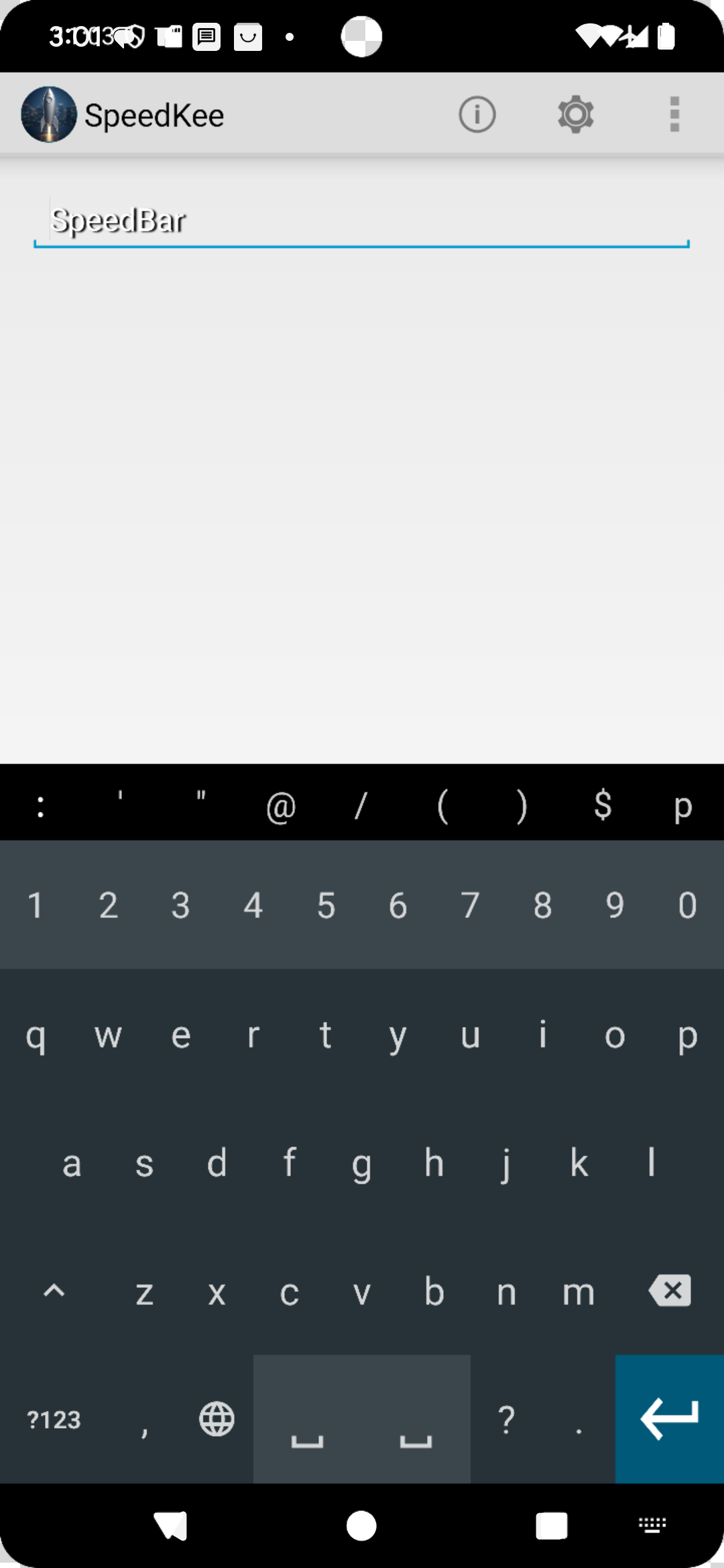
Create your own symphony of over 3,000 shortcuts in a no-permissions keyboard*
Most keyboards force you to leave the app you’re in just to create a shortcut. With SpeedKee, you stay in the flow. Long-press 1 to open the shortcut dialog, enter the shortcut and its expansion, press save, and you’re instantly back where you started.
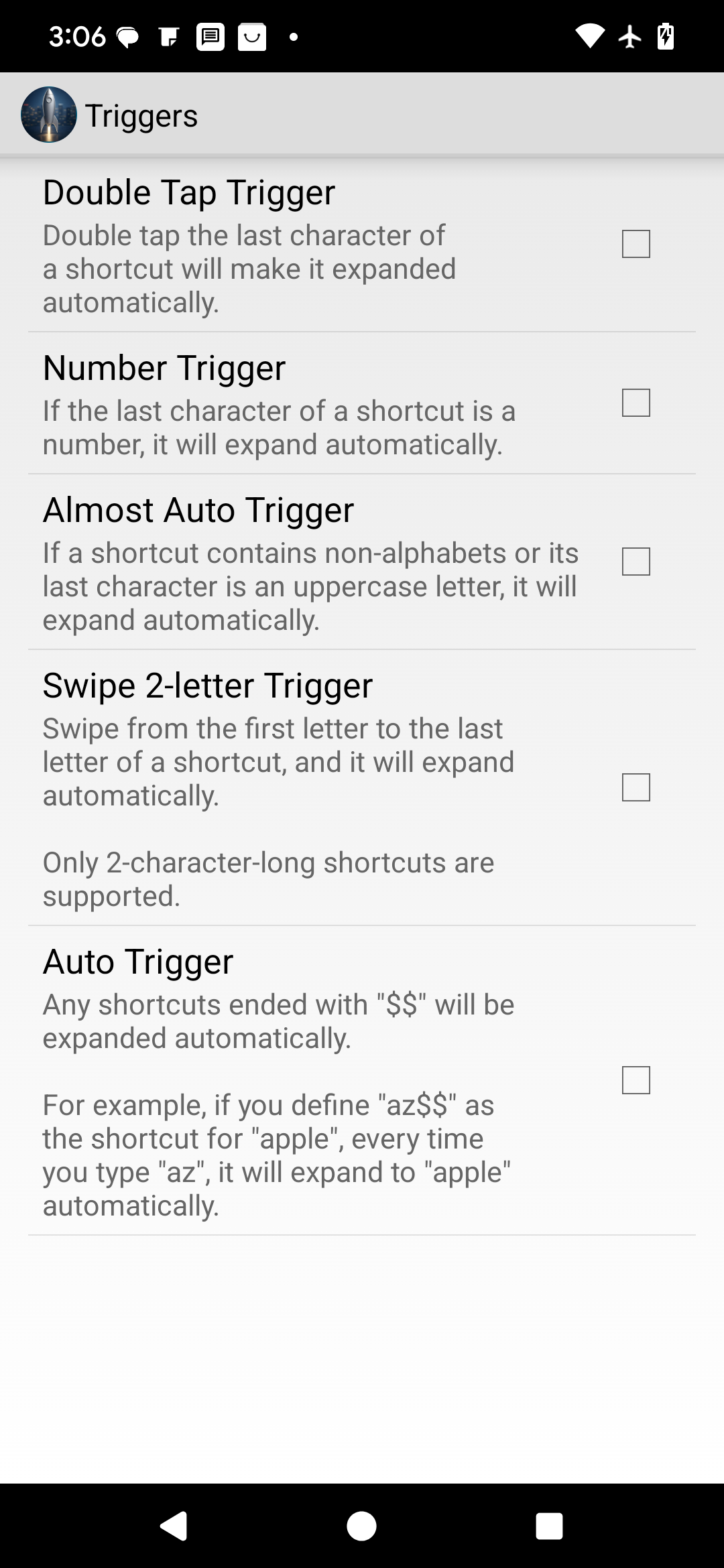
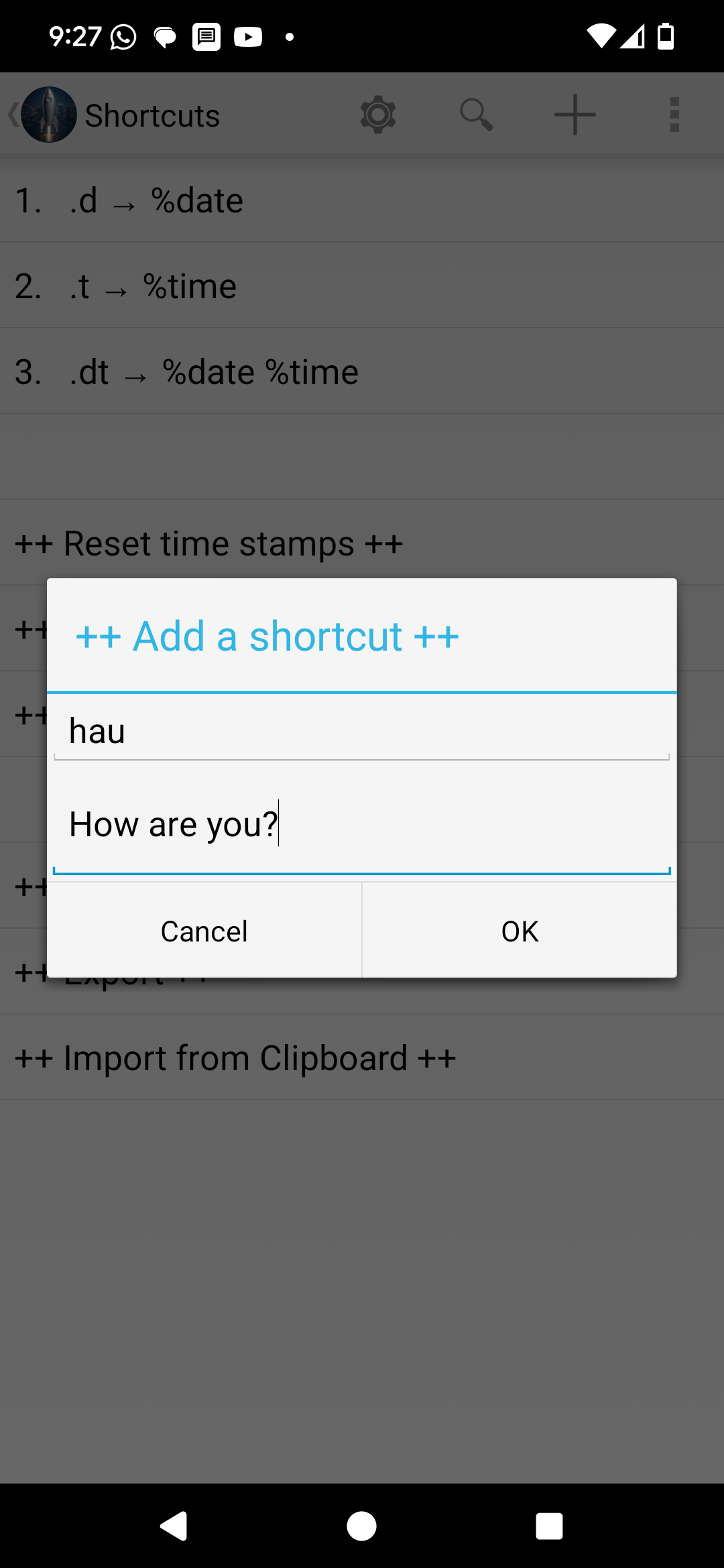
hay + space → how are you
Need to pause expansions or undo an unintended expansion? Easy-to-remember long-press keys let you do that instantly.
h? → how are you
As you become more comfortable, you can move into advanced configurations that unlock even more powerful shortcut workflows.
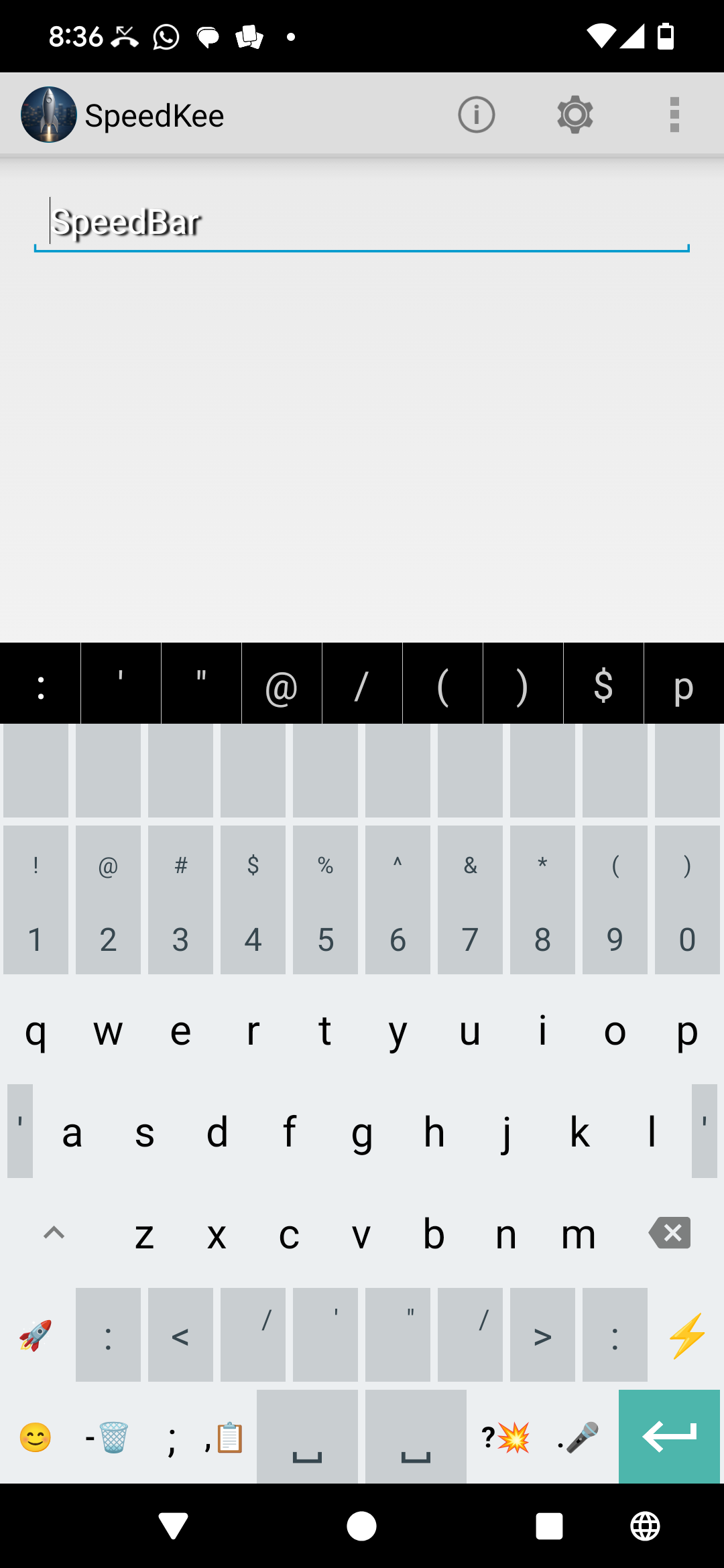
Creating shortcuts in SpeedKee is so simple that you actually make and use them.
Say goodbye to embarrassing autocorrect mistakes.
See SpeedKee in action (60-second demo). Watch how shortcuts are created inside any app.
SpeedStart: Step-by-step setup in under a minute.

Voice input uses Google’s built-in voice engine. Your voice is processed by Google, never by SpeedKee.
Contact us at: support.team@gnukey.com