Turbo Setup
Three imports. Under a minute. Tap Copy, the keyboard opens automatically, import — done. Repeat.
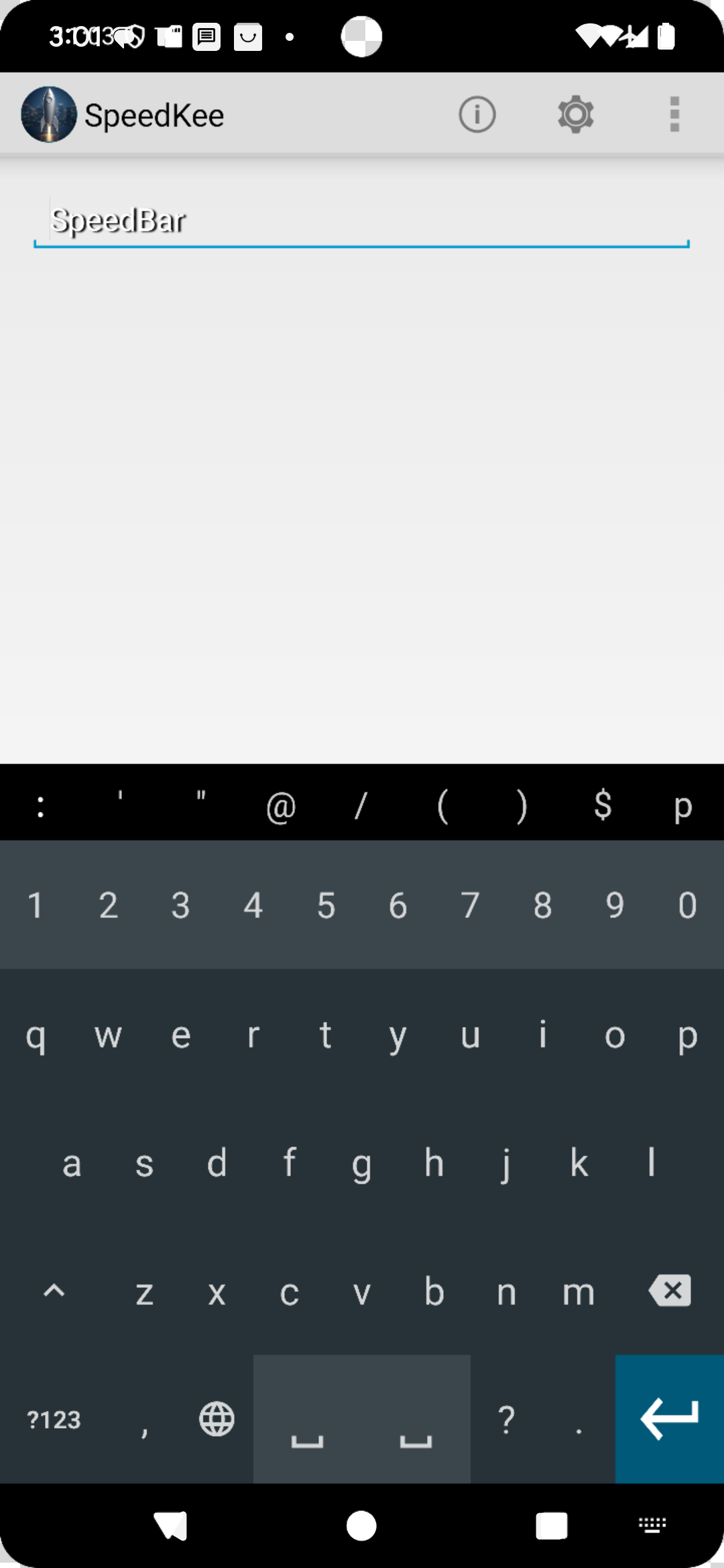
After tapping Copy, your keyboard opens here automatically. Then long-press the right space bar and tap Import from clipboard.
Unlock the full SpeedKee layout and core features.
One-touch access to settings, tools, and system controls.
The best destinations — carefully chosen. Amazon, Gmail, YouTube, ChatGPT, Uber, Google, and more. One import, instantly accessible from your keyboard.
Your keyboard now does more than type. It launches apps, opens websites, runs commands, and controls system settings — instantly.
Only needed if you want to start completely fresh. This clears all shortcuts and reimports the core controls.
Want to go further?
Guided setup — see what this can really do View all commands (quick reference) HelpEach pack is designed for a specific type of user. One import transforms your keyboard for your world.